Edit the first image so its character becomes… — AI Art by Cleanup
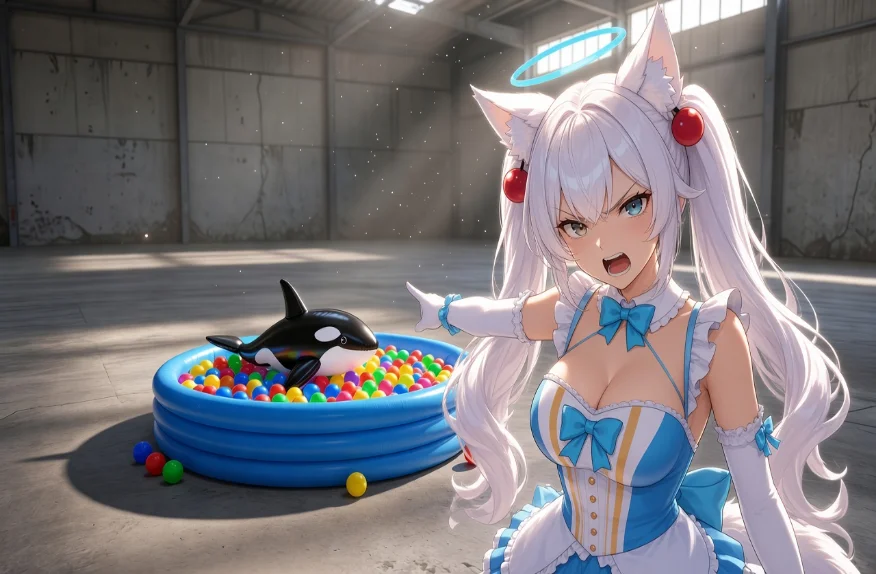
Edit the first image so its character becomes the character shown in the other reference images. Keep the first image’s pose, framing, camera angle, art style and lighting exactly. Fit the new character into the scene as naturally as the original one. Redraw the new character fully in the style of the first image: [describe the first image’s style — e.g. semi-realistic anime concept-art painting with intense dramatic lighting]. [cleaned up]
This image is part of the Reality Fabricator Community Gallery, where members share the pictures and clips they made from a text prompt. The prompt above is the exact text its creator typed. Open it in Creator Studio to remix that prompt, try the same idea on another model, or start your own from a blank page.
Browse Community Gallery
Created with Reality Fabricator Creator Studio — Free AI Image & Video Generator